
1. Before you start
You need an active Salesloft account and an API key with access to people. Generate the key from Salesloft Account > Your Applications > API Keys > Create New in Salesloft.
Salesloft guide: create an API key.
2. Connect Salesloft
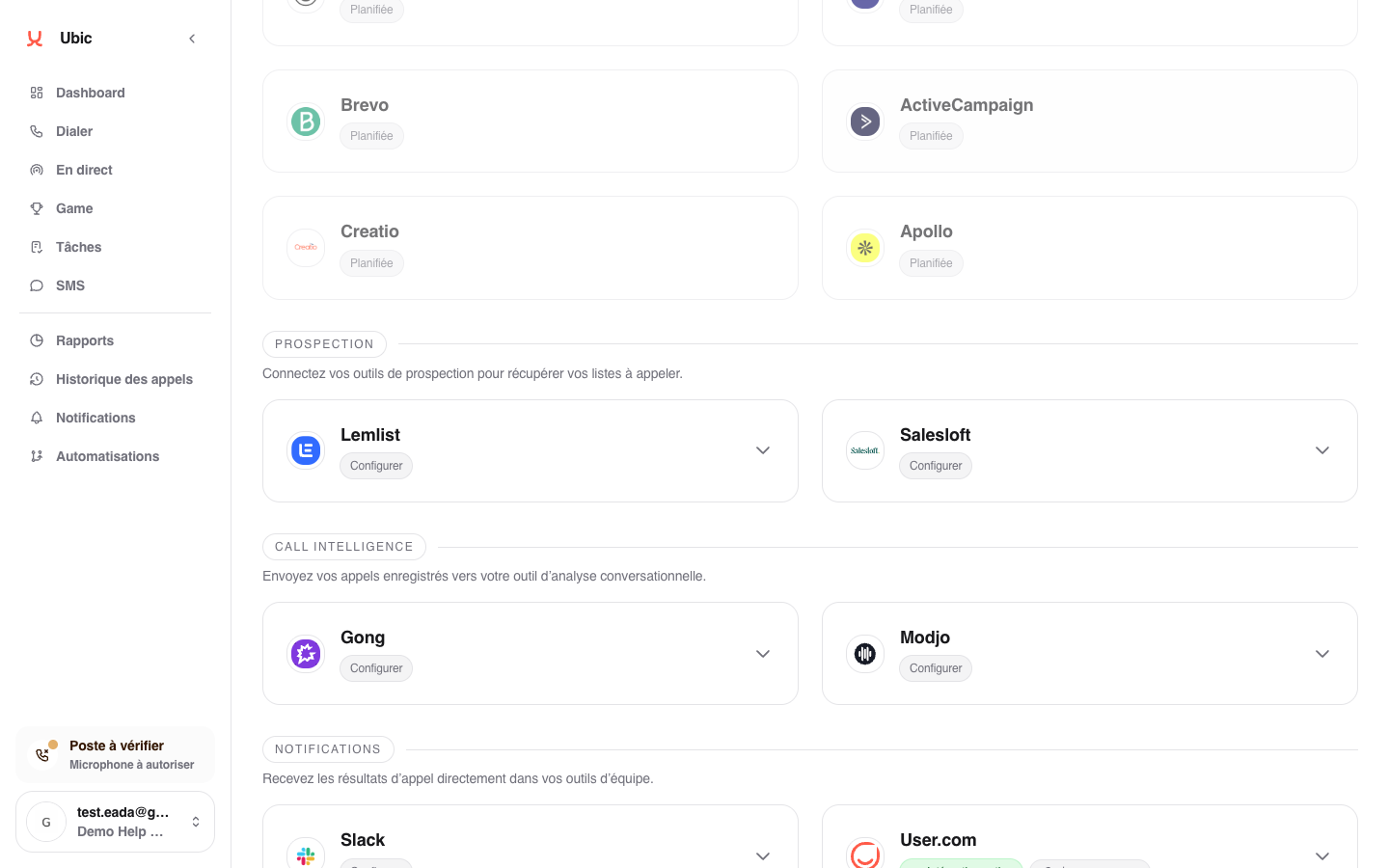
Open Settings > Integrations > Salesloft in Ubic.
Paste the API key into Salesloft API key.
Click Save.
Create a list in Ubic and choose Salesloft as the source.
3. What is synced
Salesloft stages become Ubic list sources.
Person fields are imported according to the selected mapping.
The lead status selected after a call can update the Salesloft stage or a field chosen for the list.
Call notes can be added to Salesloft.
Notes
Salesloft stages must be managed in Salesloft. Ubic reads them but does not create new stages.
The status field is selected when creating or configuring the Salesloft list in Ubic. Labels displayed to sales reps can then be renamed under Settings > Calls.