
1. Before you start
An active noCRM account with the workspace URL, for example `mycompany.nocrm.io`.
A valid API key from the noCRM admin settings.
Create the key from Admin Panel > API Keys in noCRM, then copy it immediately. noCRM guide: create an API key.
2. Connect noCRM
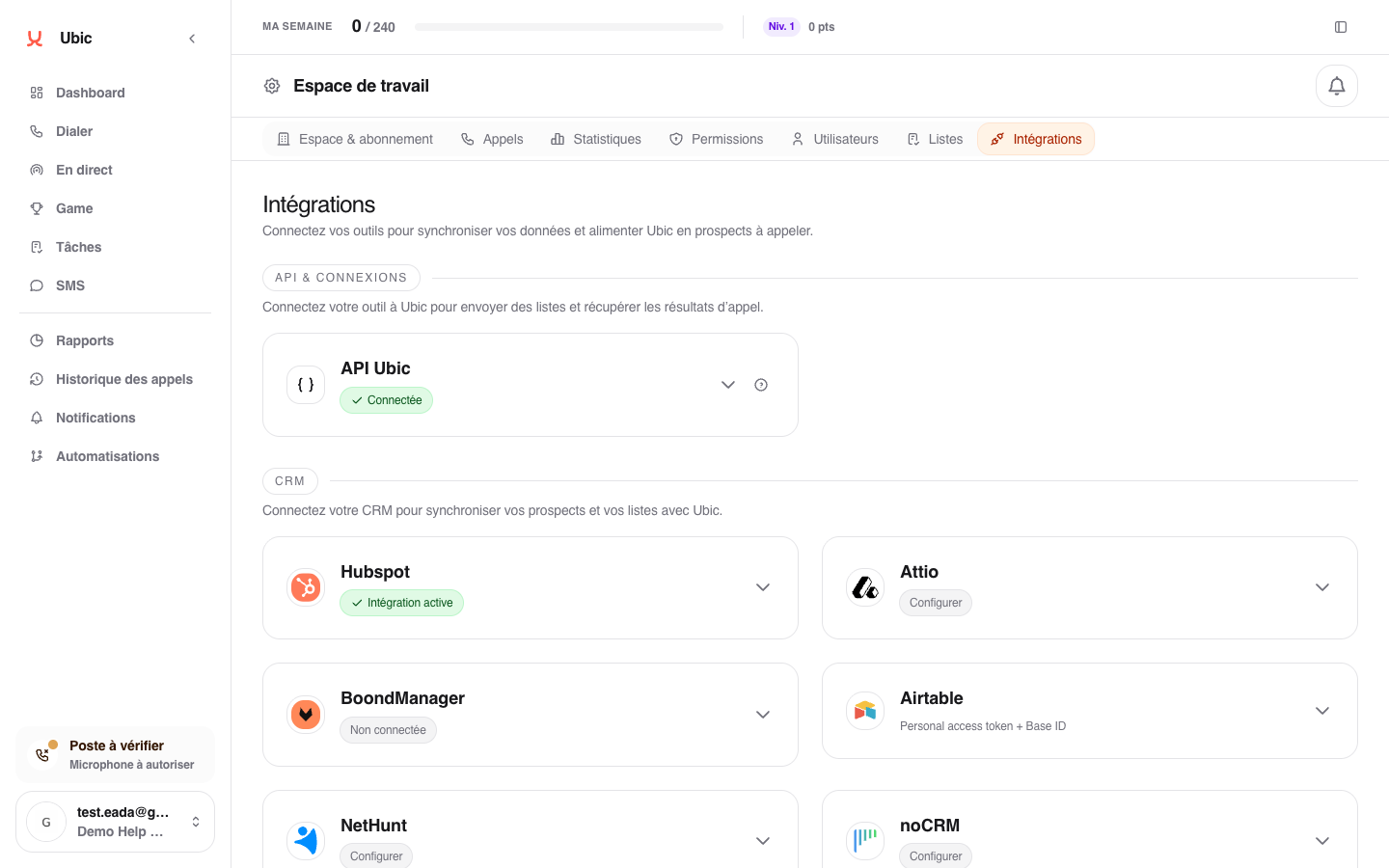
Open Settings > Integrations > noCRM.
Enter the account URL into noCRM workspace URL.
Enter the API key into noCRM API key.
Click Save.
Create a list in Ubic and choose noCRM as the source.
3. What is synced
noCRM prospecting lists become Ubic list sources.
The columns in the noCRM list are detected automatically. The mapping to Ubic fields is shown before confirmation and can be changed.
The status selected after a call is stored in Ubic. It is not currently sent back to noCRM automatically.
Notes
The account URL and API key are separate fields. Changing one without the other can cause an authentication error.
noCRM lists are prepared in noCRM. Make sure you select the correct source list before importing it into Ubic.