
1. Before you start
A HubSpot account with access to contact lists.
A HubSpot private app access token with the `crm.lists.read`, `crm.objects.contacts.read`, `crm.objects.contacts.write`, and `crm.schemas.contacts.read` scopes.
To create HubSpot deals when a meeting is booked, also add permissions for deals, pipelines, and company associations: `crm.objects.deals.read`, `crm.objects.deals.write`, `crm.schemas.deals.read`, and `crm.objects.companies.read`.
Create or open the private app from Development > Legacy apps in HubSpot, then copy the token into Ubic. HubSpot guide: create a private app and copy its access token.
2. Connect HubSpot to Ubic
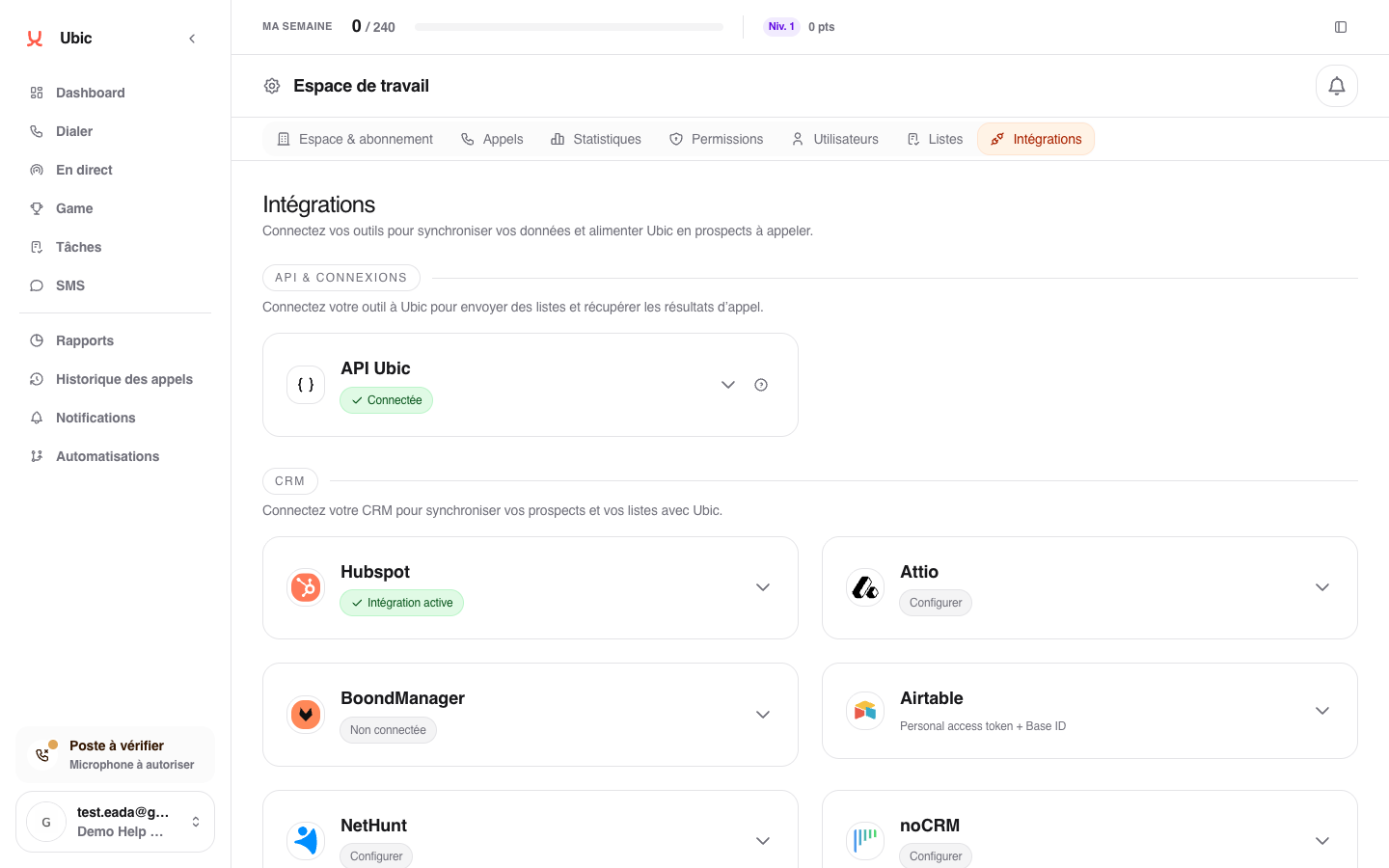
Open Settings > Integrations > HubSpot in Ubic.
Paste the HubSpot access token into Hubspot API key.
Click Save.
Create or configure a HubSpot list in Ubic to choose the HubSpot property to update after a call.
3. What is synced
HubSpot lists become Ubic list sources.
Lead statuses can be sent to the HubSpot property selected for the list.
Optionally, conversion statuses can create or update a HubSpot deal linked to the contact without overwriting the contact's overall status.
Outbound SMS messages and notes can be added as HubSpot activities.
The status field is selected for each list. If no HubSpot property is selected, Ubic does not push the lead status to HubSpot.
Notes
Notes can be pushed in append or replace mode, depending on the selected setting. Replace mode overwrites the previous note on the HubSpot record.
Values from the HubSpot property appear in Settings > Calls with a CRM source label. These are the values sales reps should use to update HubSpot after a call. Their labels can be renamed in Ubic without changing the values sent to the CRM.
Statuses created manually in Ubic remain available for CSV lists and internal qualification. On a HubSpot list, they are saved in Ubic but do not replace a value from the HubSpot property. This prevents Ubic from sending a value that the CRM would reject.
If the chosen status is not among the HubSpot property's values for the list, it stays in Ubic. Other qualification changes, such as notes and configured fields, continue to sync. Workspace admins receive one notice for that status and list; add the value in HubSpot if you want it synced.
The HubSpot meetings and deals mode is configured under Settings > Integrations > HubSpot > Configure. It uses the conversion statuses defined under Settings > Calls and names deals using the Ubic list context.