
Download the file
Open the list from the calling page.
Click the list's ••• menu.
Choose Export.
Find the CSV file in your browser downloads.
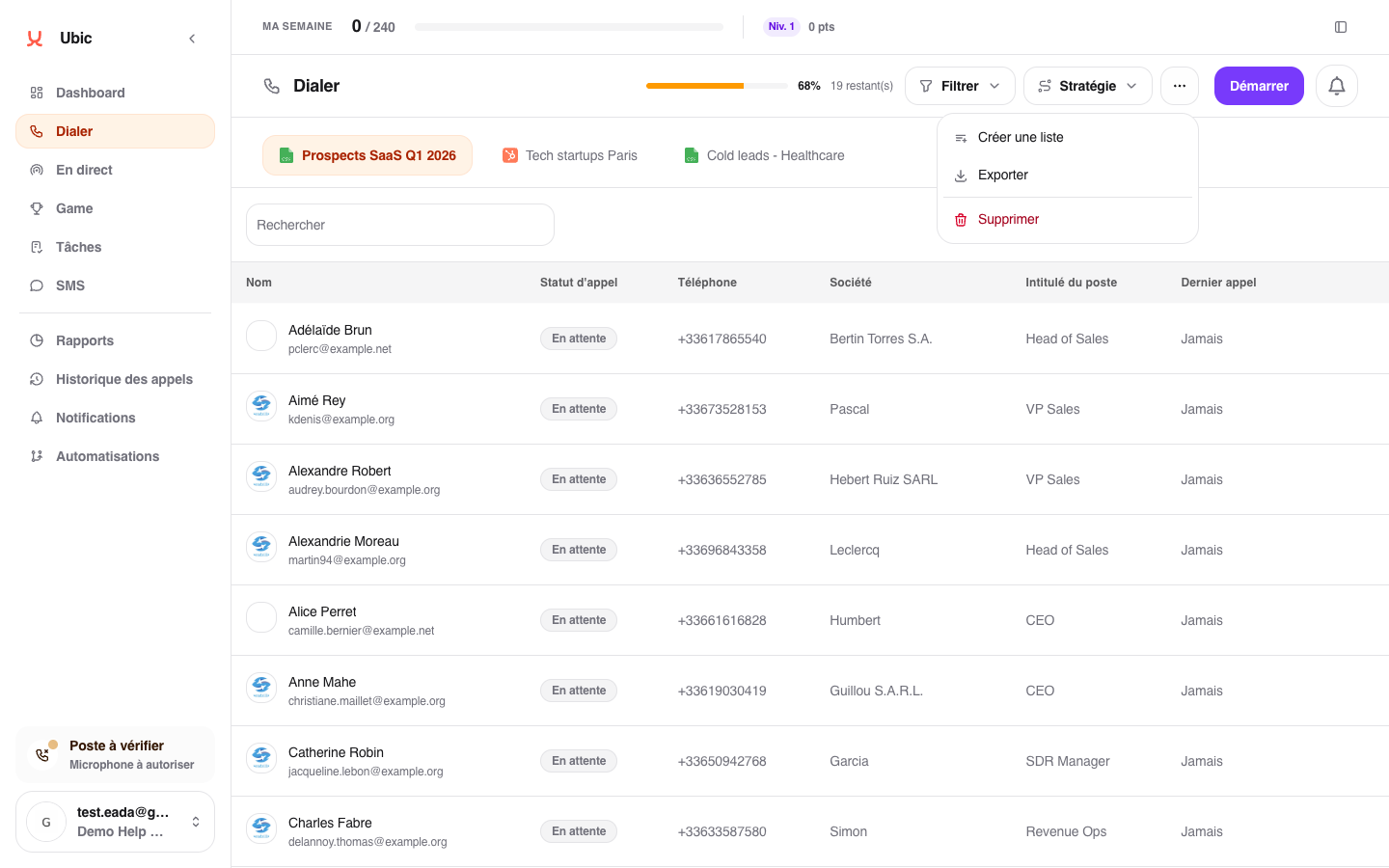
The file includes first name, last name, phone, email, company, job title, lead status, and call status. Phone numbers are masked for users who are not super admins. It reflects the data currently in Ubic; a connected list remains synchronized with its CRM.